
Home / Products / Control
Desk Control
A touch panel and physical buttons to close positions and cancel orders. Virtual Control is in Portal today. The device never holds a trading key.
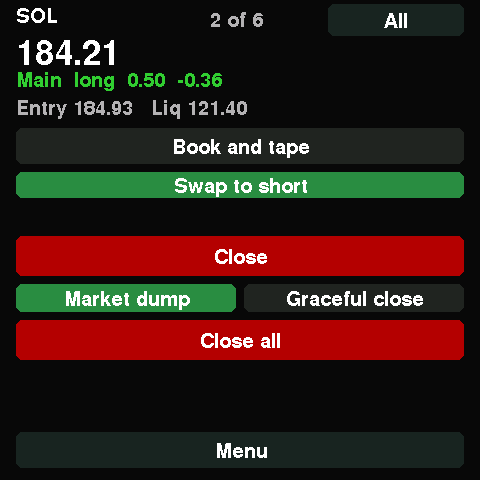
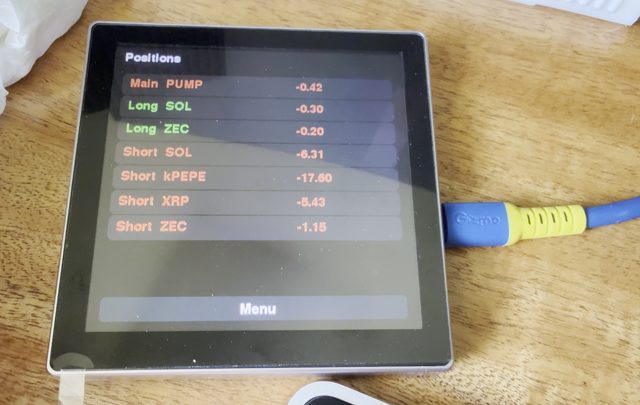
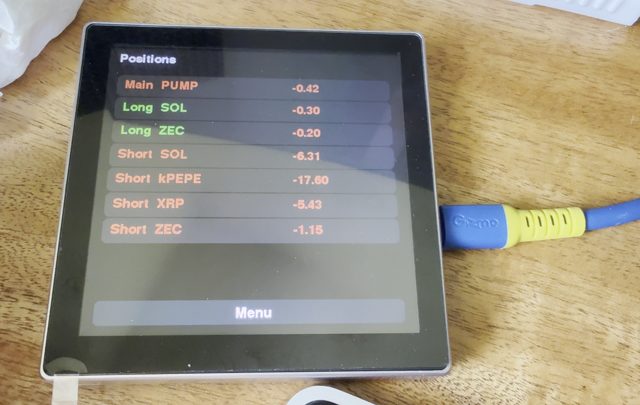
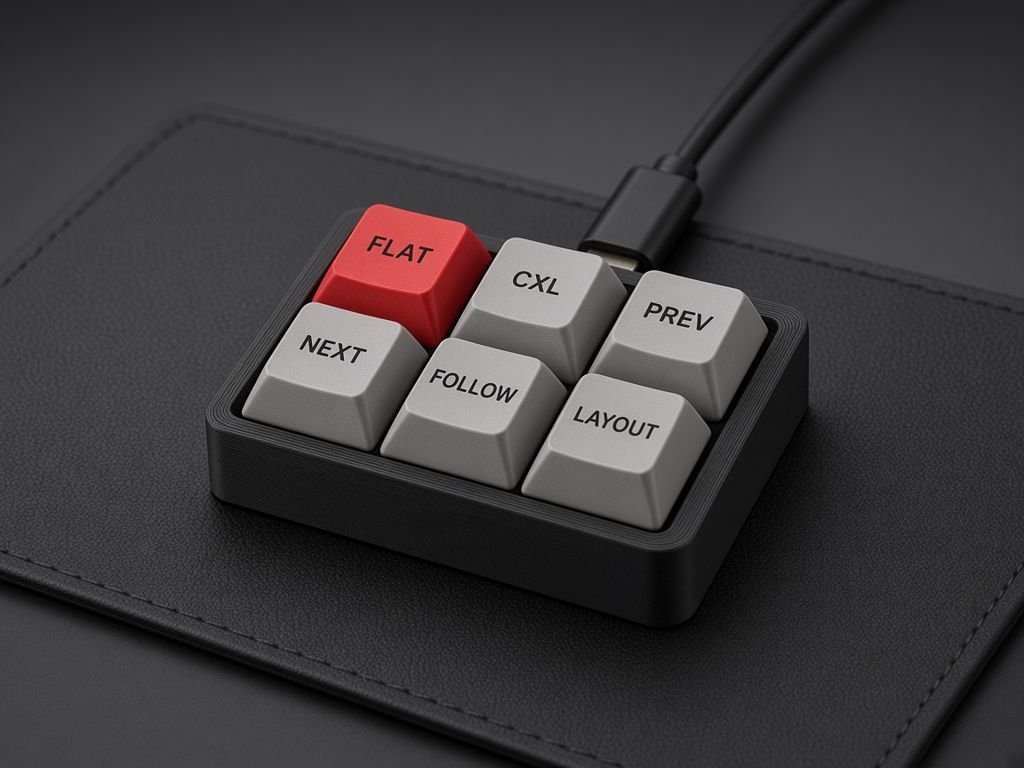
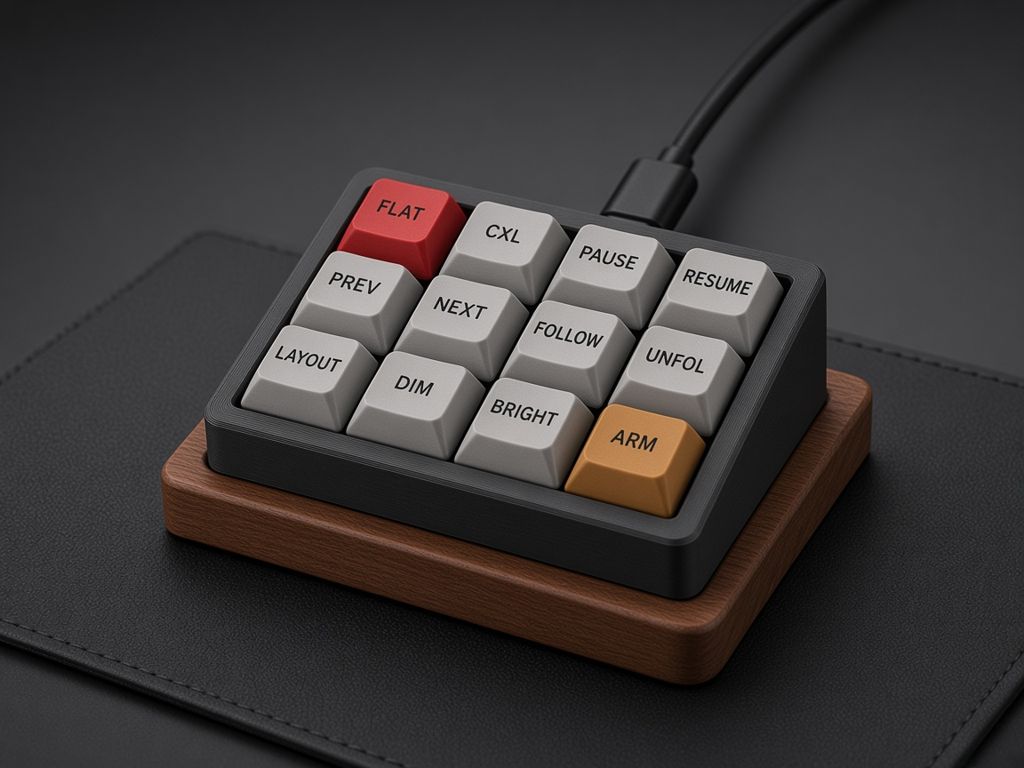
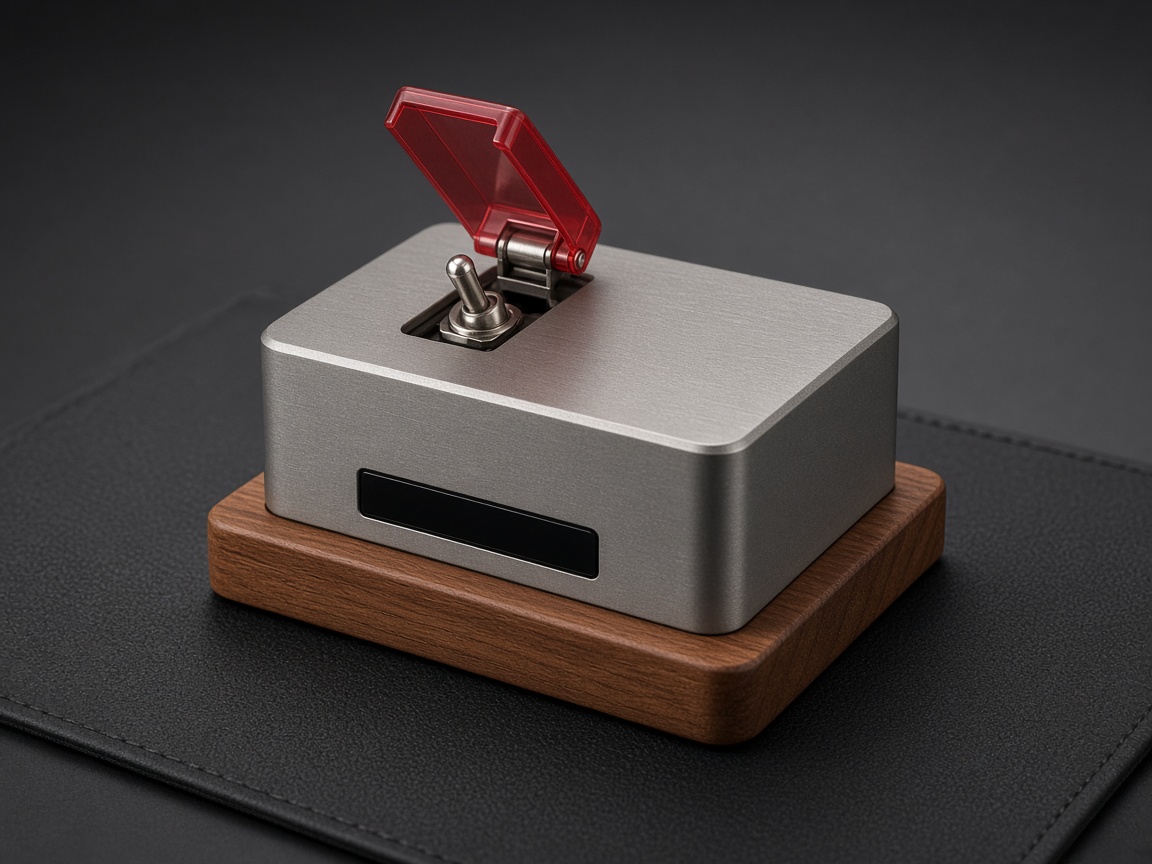
Photos of the Control panel prototype.
What it does
- Control panel: a 480×480 touch screen with Positions, Trade, Orders, History, Dashboard, Wallet, Clock, Alerts, Devices and Settings
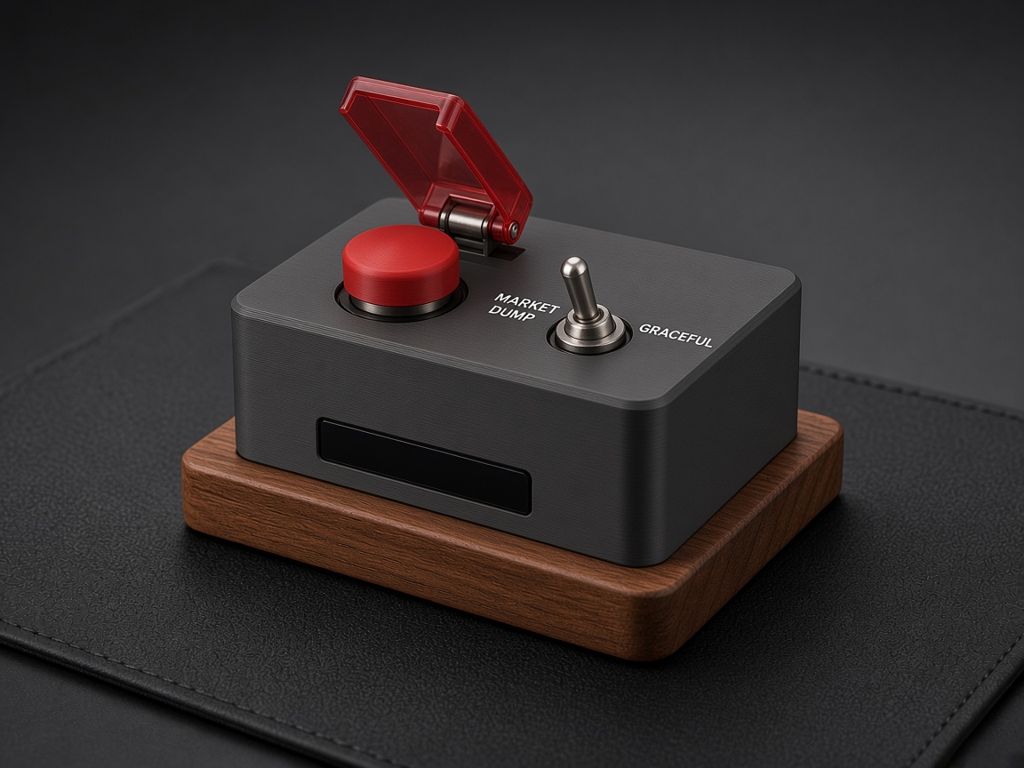
- Control Button: a red press-down STOP button under a cover, and a left/right selector for MARKET DUMP or GRACEFUL close
- Control Pad: close all positions, cancel orders, and Desk Ticker keys
- Control Keys: a bank of programmable commands
- Rocket switch: a toggle under a flip-up safety cover (concept render)
- Change symbol, brightness and layout on your Desk Tickers
- Virtual Control in Portal today, with the same actions
How closing works
Closes all open positions after a two-step confirm. Execution is not guaranteed. Closing applies to the whole account, including positions opened in Terminal. Live trading must be turned on first.
Cases
Standard cases are 3D printed in your choice of colours. Only the Founders Series offers a case in titanium, stainless steel, aluminium or teak.
Pricing
Virtual Control is included in every paid plan. The Founders Series includes a reserved Control Button with lifetime Control remote. Control Pad, Control Keys and extra Buttons are on the waitlist.